
This feature is free
Facebook Feed Post
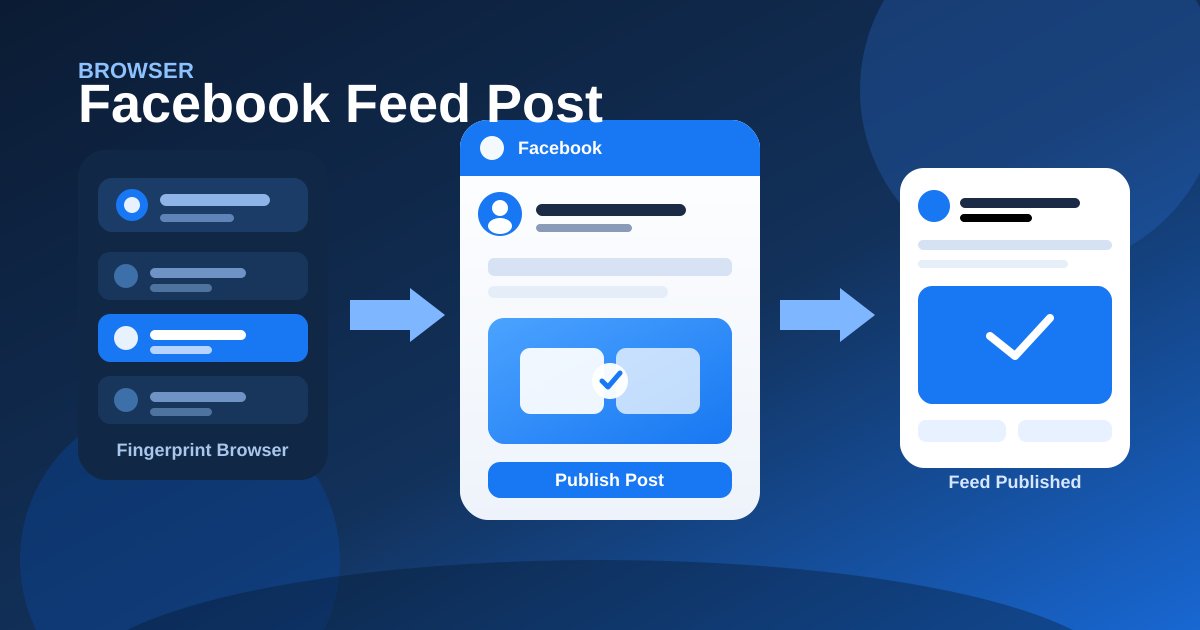
Open Facebook home in the selected browser profile and publish a post with caption plus images or one video.
Share
How it works
- Open Facebook home in the selected browser profile
- Start a post on a personal profile or Page
- Add a caption plus images or one video
- Publish the post to the feed
Industry scenarios
- Cafe Page: daily specials photo post
Neighborhood cafes post lunch specials captions with menu photos or one short clip to their Facebook Page feed.
- Beauty DTC: SKU drop gallery + caption
DTC beauty brands publish SKU-launch captions with product images or one swatch video from a fingerprinted browser profile.
- Realtor Page: listing walkthrough post
Independent agents ship listing captions with floor-plan photos or one walkthrough video to a Facebook Page or profile.
- Agency ops: client Page promo post
Social agencies push client promo captions with creatives or one video to Facebook Pages across managed browser profiles.